
Before You Write Another Line of Code, Try These AI Tools — Especially #7
AI is Changing Software Development
Artificial Intelligence (AI) is no longer a futuristic dream
— it’s a reality shaping the way we
Code,
Debug,
Build software.
From AI-powered autocomplete tools to intelligent debugging assistants, developers today have access to resources that can speed up workflows, reduce errors, and enhance productivity.
If you’re a developer in 2025, ignoring AI means falling behind.
After testing and researching AI powered coding tools, I’ve compiled the ultimate list of must-know AI resources
— from code generation to debugging, documentation, and even learning new programming skills.
Let’s dive into the tools that will supercharge your development workflow.
🛠 AI-Powered Code Generation & Autocomplete
1️⃣ GitHub Copilot — Your AI Pair Programmer
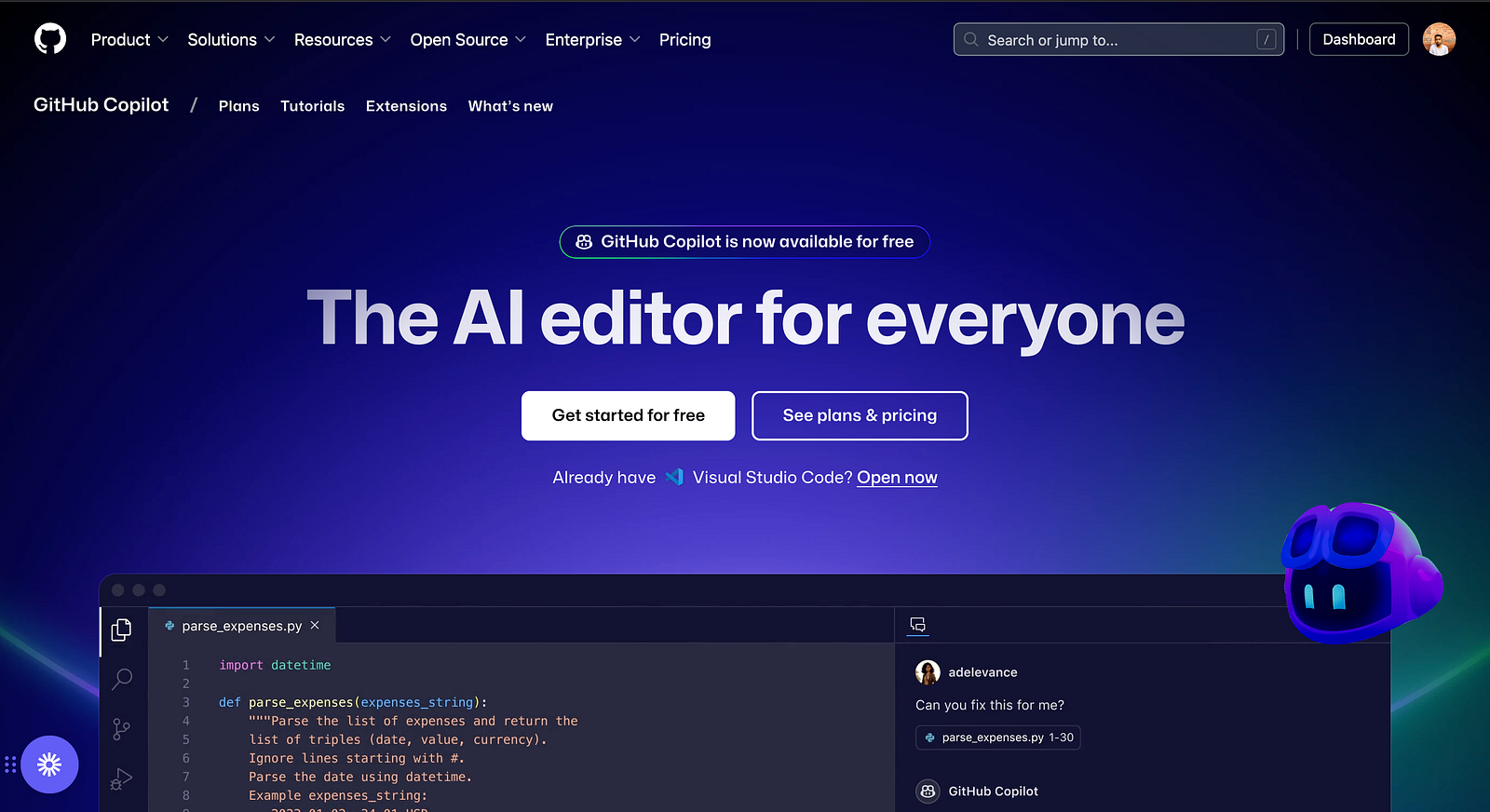
GitHub Copilot, powered by OpenAI, is a game-changer for developers.
It suggests whole lines of code, complete functions, and even entire classes based on the context of your project.
🔹 Key Features:
✅ Autocompletes code in real-time
✅ Supports multiple programming languages
✅ Works with VS Code, JetBrains, and Neovim
🎯 Best For:
- Writing boilerplate code quickly
- Speeding up repetitive tasks
- Learning new syntax in unfamiliar languages
2️⃣ Tabnine — AI Code Completion with Privacy

If you want AI-powered code suggestions but don’t want to send your code to the cloud, Tabnine is the best choice.
🔹 Key Features:
✅ Works fully offline (for premium users)
✅ Learn from your coding patterns
✅ Supports multiple IDEs, including VS Code and IntelliJ
🎯 Best For:
- Developers working on sensitive or private code
- AI-powered suggestions that learn from personal style
3️⃣ Codeium — A Free GitHub Copilot Alternative
Not a fan of Copilot’s price tag?
Codeium is a free alternative offering AI-driven autocomplete for developers.
🔹 Key Features:
✅ No cost AI-powered code suggestions
✅ Lightweight and fast performance
✅ Supports over 70+ programming languages
🎯 Best For:
- Developers who want free AI-powered autocomplete
- Students and indie developers
🐞 AI for Debugging & Code Optimization
4️⃣ Amazon CodeWhisperer — AI Code Generation with Security Insights
Amazon’s AI-powered coding assistant not only suggests code but also highlights security vulnerabilities.
🔹 Key Features:
✅ Integrated security scanning
✅ Tailored recommendations for AWS services
✅ Works with Python, Java, JavaScript, and more
🎯 Best For:
- Developers working on secure applications
- AWS-based projects
5️⃣ DeepCode by Snyk — AI-Powered Security Analysis
AI-driven static analysis that scans your code for vulnerabilities before deployment.
🔹 Key Features:
✅ Real-time AI security suggestions
✅ Detects hidden vulnerabilities in open-source dependencies
✅ Works with Java, JavaScript, Python, and C++
🎯 Best For:
- Developers working on security-focused projects
- Preventing accidental security flaws in code
6️⃣ Google Gemini AI — A Smart AI Assistant for Developers
Google’s AI assistant competes with ChatGPT and is trained in a diverse set of programming knowledge.
🔹 Key Features:
✅ Understands natural language coding queries
✅ Provides detailed programming explanations
✅ Integrates with Google Search for enhanced learning
🎯 Best For:
- Developers looking for an alternative to ChatGPT
- Researching coding best practices and solutions
📝 AI for Documentation & API Assistance
7️⃣ Mintlify AI — Automatic Documentation Generator
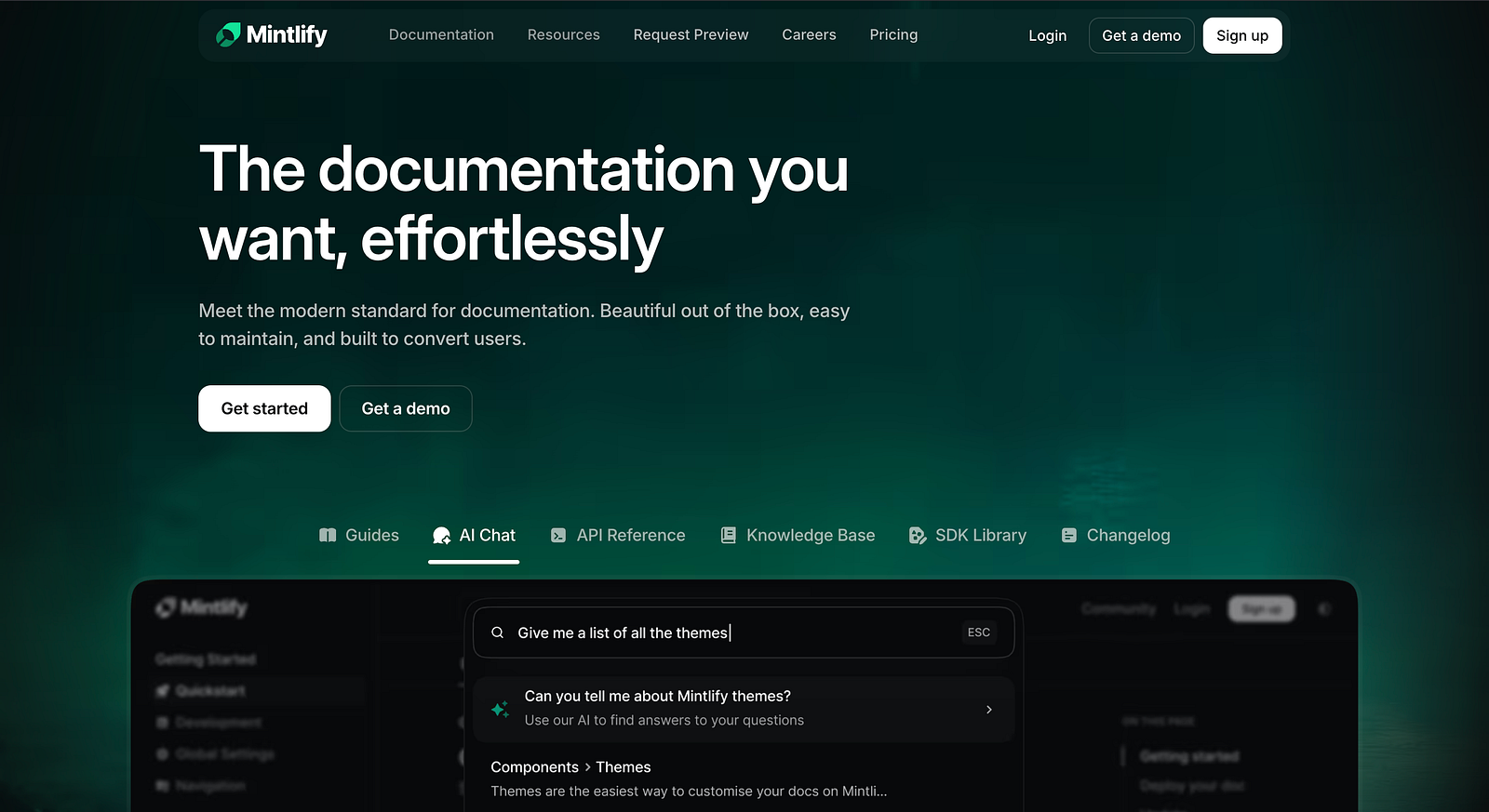
Tired of writing boring documentation? Mintlify automatically generates high-quality docs from your code.
🔹 Key Features:
✅ Automatically writes and updates documentation
✅ Works with multiple languages and frameworks
✅ Helps with API documentation generation
🎯 Best For:
- Teams maintaining open-source projects
- Developers who hate writing documentation
8️⃣ Cursor AI — AI-Powered Technical Search Engine
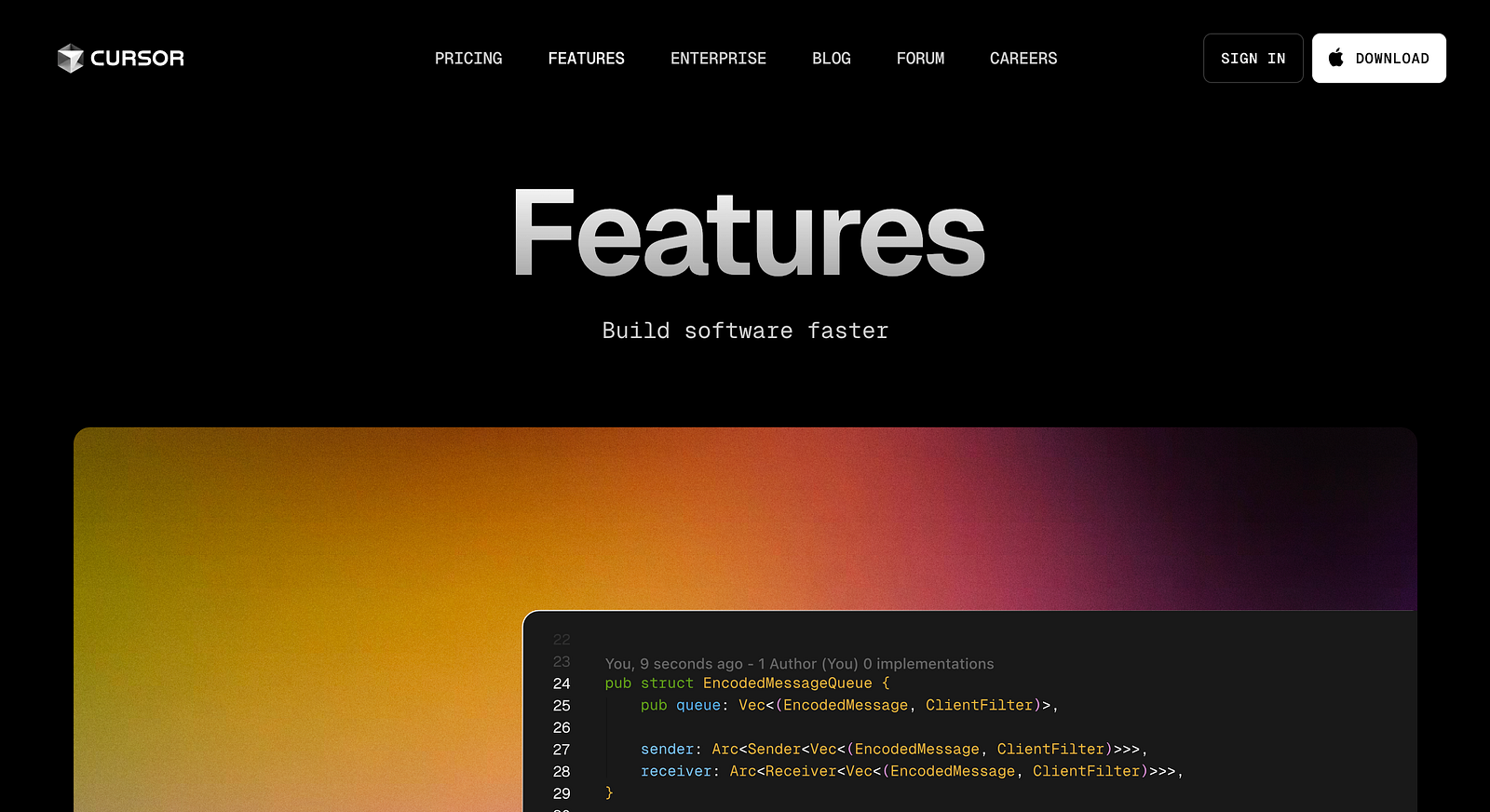
A Google for developers, helping you quickly find technical documentation and API references.
🔹 Key Features:
✅ Instantly searches code documentation
✅ Finds function definitions and API references
✅ Works inside VS Code for quick lookups
🎯 Best For:
- Developers working with complex APIs
- Reducing time spent Googling for docs
🚀 AI for Productivity & Automation
9️⃣ CodiumAI — AI Code Review Assistant
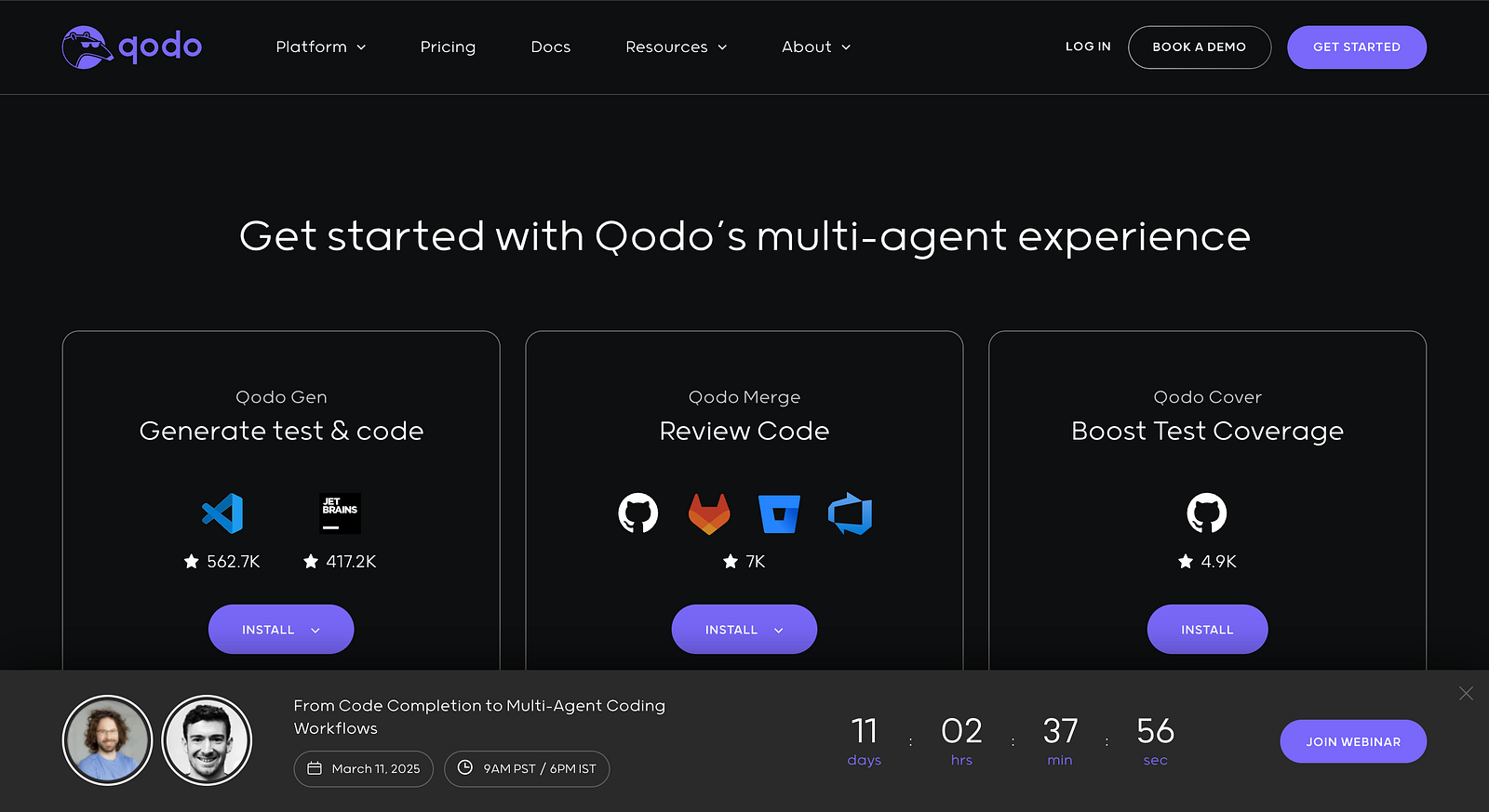
AI-powered code reviews that help detect bugs before they become a problem.
🔹 Key Features:
✅ Analyzes pull requests for potential issues
✅ Gives AI-generated improvement suggestions
✅ Works with GitHub and GitLab
🎯 Best For:
- Developers working on collaborative projects
- Teams looking to automate code reviews
AI is here to help us code smarter, faster, and better.
By using these AI tools, you can:
✅ Write cleaner code
✅ Debug faster
✅ Improve your learning process
✅ Boost productivity
🚀 Which AI tools are you using in 2025?
Let’s discuss this in the comments! If this article helped you, share it with fellow developers. 🔥
Writer : Bhuwan Chettri